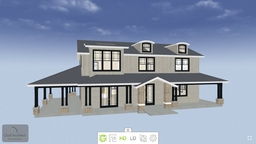
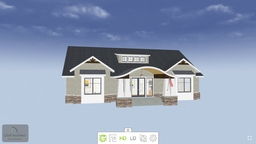
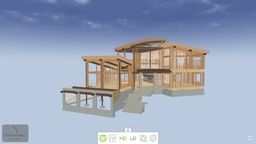
3D Viewer models are interactive 3D models that can be viewed on a phone, tablet or web page. They can be shared with a link or embedded on a website, which makes them a convenient way to help clients or subcontractors picture a design.
To view models on a phone or tablet, download the free 3D Viewer app, available for Apple and Android devices. To embed a model on a website, export it to a Chief Architect cloud account, then use the embed button in that account to copy the code onto the page. Learn more in the official 3D Viewer support documentation.
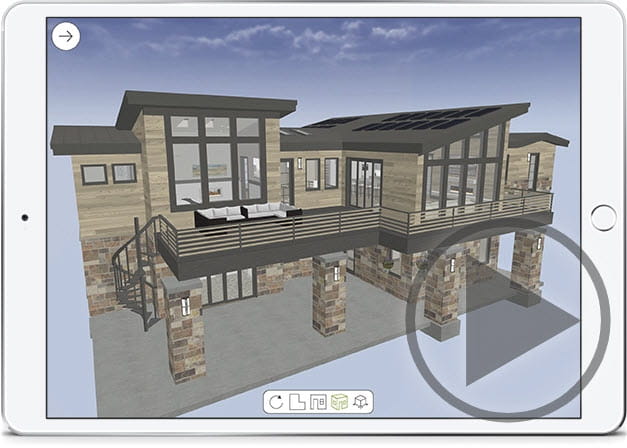
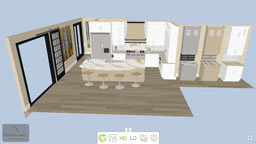
3D Viewer models are exported from Chief Architect or Home Designer desktop software and saved to a Chief Architect cloud account. Saved cameras can highlight specific details, such as a living room color scheme or a kitchen cabinet layout. From a Chief Architect cloud account, models can then be viewed, shared or embedded on a web page. For step-by-step instructions, see the official support articles for Chief Architect or Home Designer.
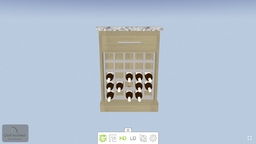
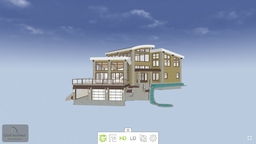
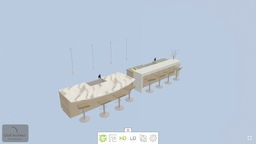
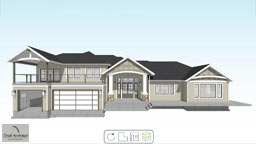
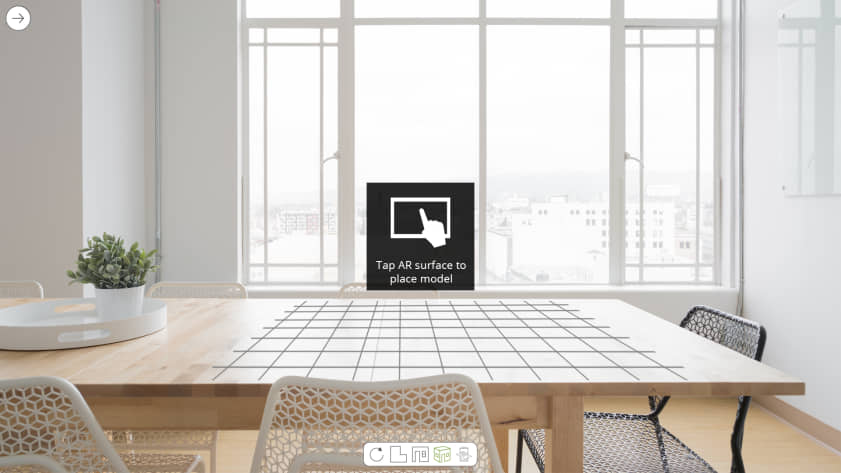
Augmented Reality mode places a 3D model in the real world so it can be explored by rotating, zooming or walking around it. To view a model in AR, point the device at any flat surface, such as a table, countertop or floor, and tap to place the model once the AR surface grid appears.
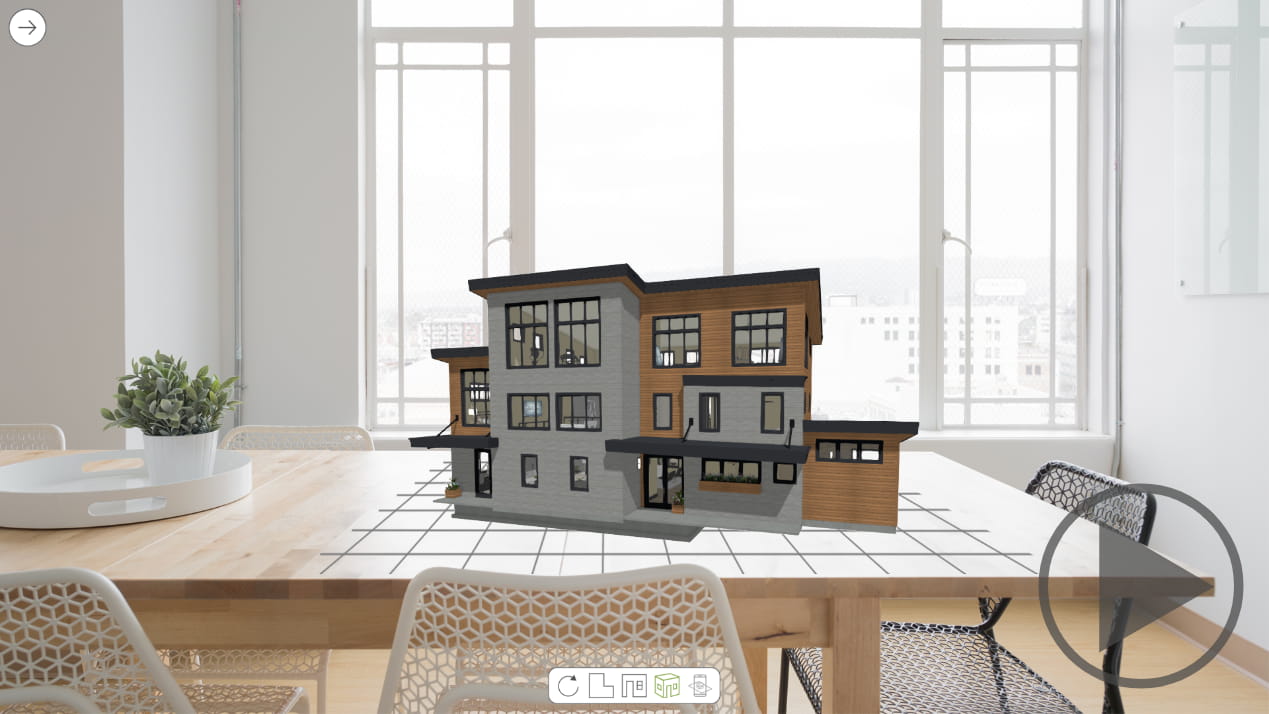
Controls for Overview and Room mode appear at the bottom of the screen; the Sojourn® navigation controls become available in Room mode. High Definition (HD) and Low Definition (LD) display options are also offered — LD mode skips textures and uses less memory, which can help on complex models or older mobile devices.
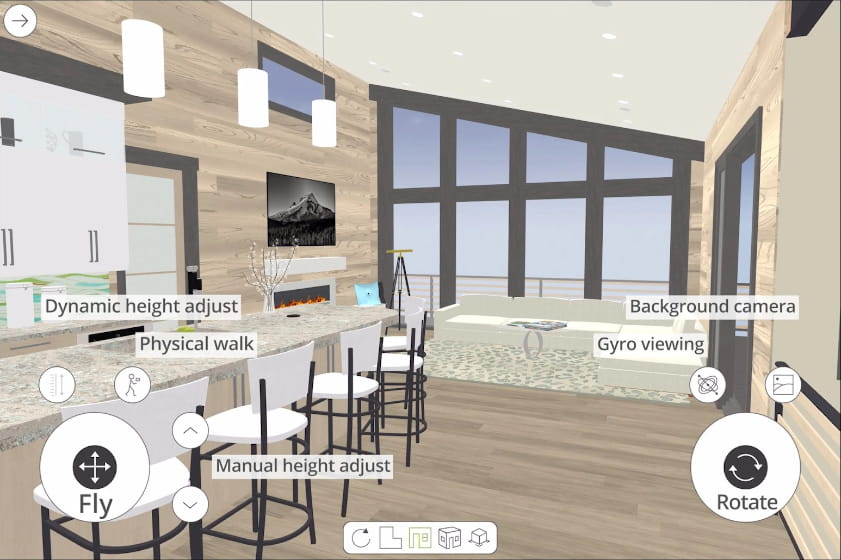
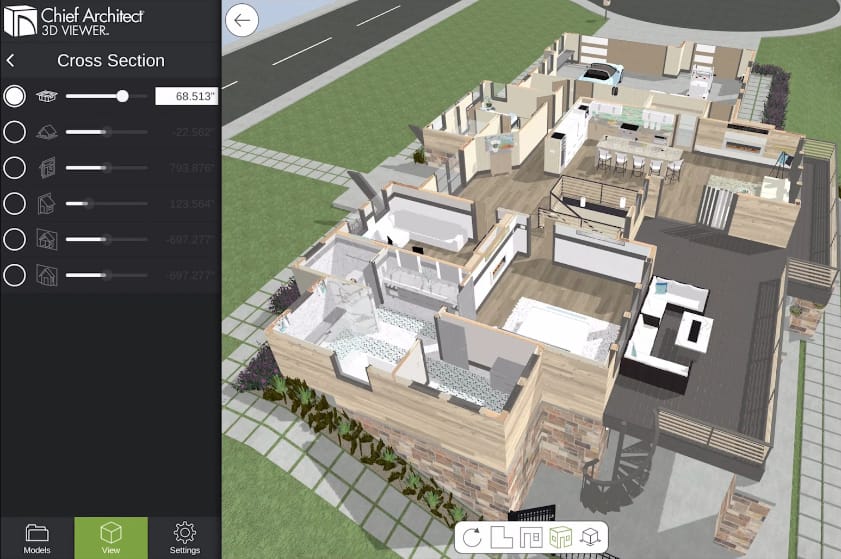
The Cross-Section Slider offers six cutting planes for examining a home design from different angles. The settings panel also includes a mini-map to help navigate large models, a step-length setting for Sojourn® Walk-Thru mode, and support for navigating with a game controller.